Printer not working?Here's how to fix it.
Step-by-step troubleshooting for every major printer brand. Offline, jammed, streaking or refusing to connect — we've seen it, and we'll walk you through it.
- 17
- Printer brands covered
- 4,900+
- Issues documented
- 24/7
- AI assistant availability
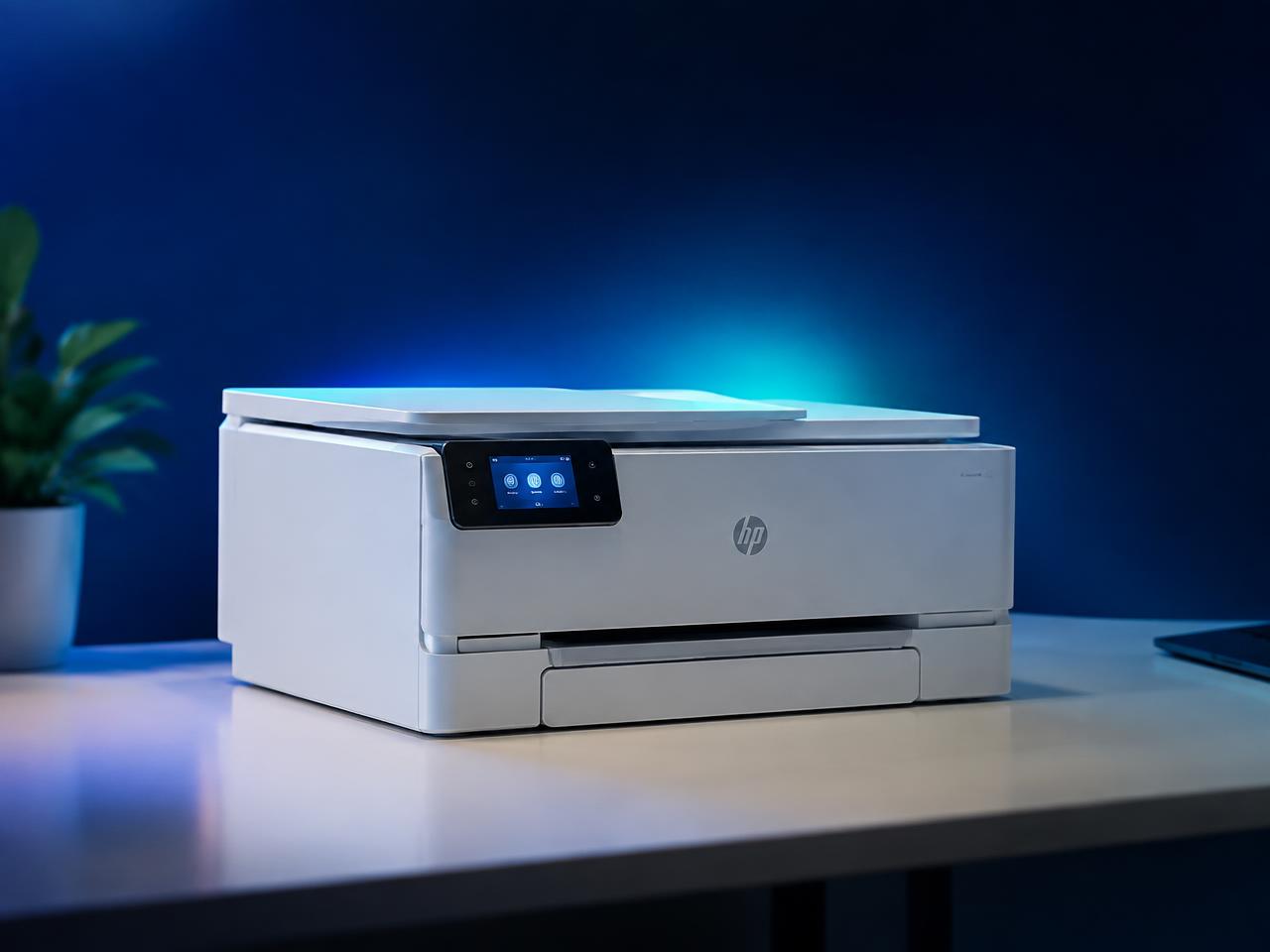
Free AI printer assistant
Meet HUB AI — it fixes your printer instantly
Tell it what your printer is doing and it walks you straight to the fix.
HUB AI
Free printer troubleshooting assistant
Describe what your printer is doing and HUB AI will walk you to the fix.
What's your printer doing?
Pick the symptom that matches your situation and go straight to the right guide.
Printer Offline
Your printer shows offline even though it is powered on.
Driver Problems
Driver missing, corrupt or refusing to install.
Wi-Fi Setup
Connect your printer to a wireless network the right way.
New Printer Setup
Unbox, install and print your first page.
Paper Jam
Clear jams safely without tearing rollers or sensors.
Not Printing
Jobs stuck in the queue or pages come out blank.
Error Codes
Decode the code on the panel and clear it.
Print Quality
Streaks, faded text, smudges and colour problems.
Choose your printer brand
Brand-specific menus, codes and fixes.
Most-read guides
Written and checked by printer technicians.
Fix a printer that keeps showing offline
An offline status almost always means your computer lost the network path to the printer, not that the printer is broken.
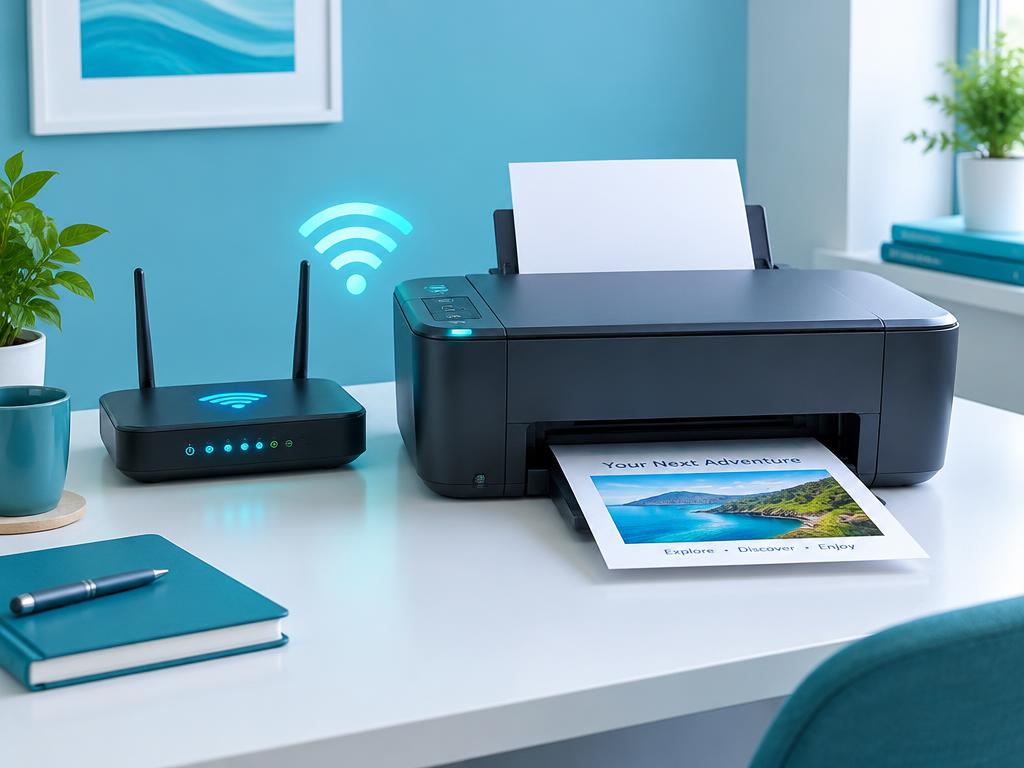
5 min readConnect any printer to Wi-Fi in 5 minutes
Most wireless setup failures come from a 5 GHz network or a mistyped password, not the printer.
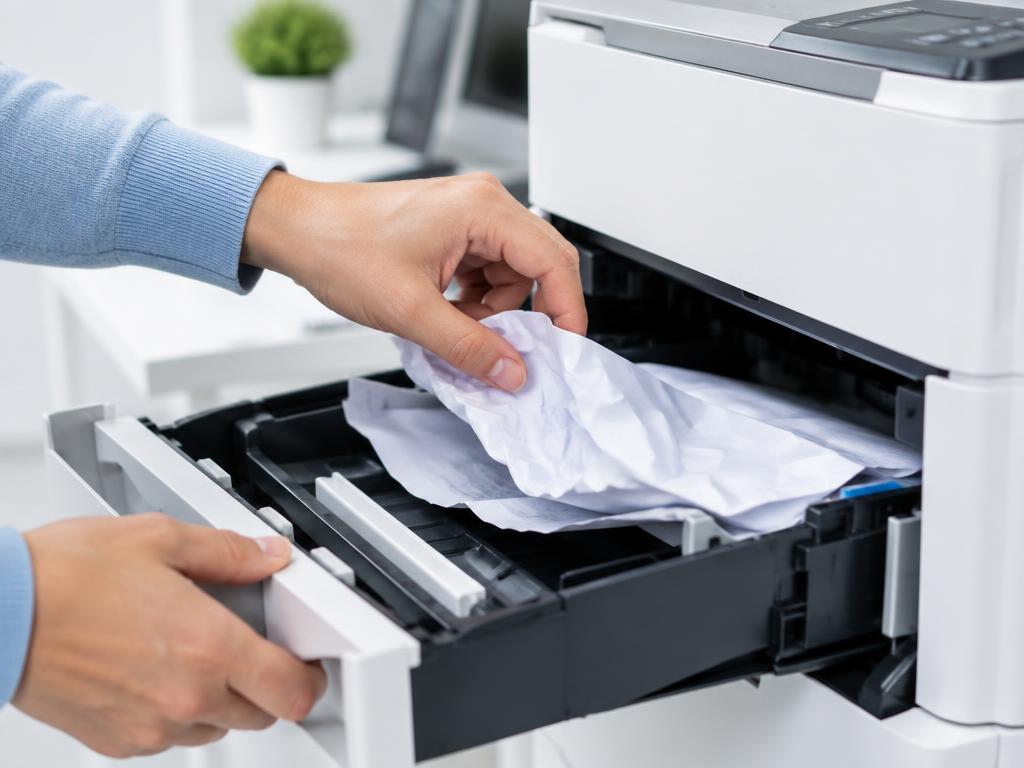
8 min readClear a paper jam without damaging the rollers
Pull paper in the direction of travel and always check the duplex unit at the back.
7 min readPrinter says ready but nothing prints
A stuck spooler, the wrong default printer or a paused queue cause most of these cases.
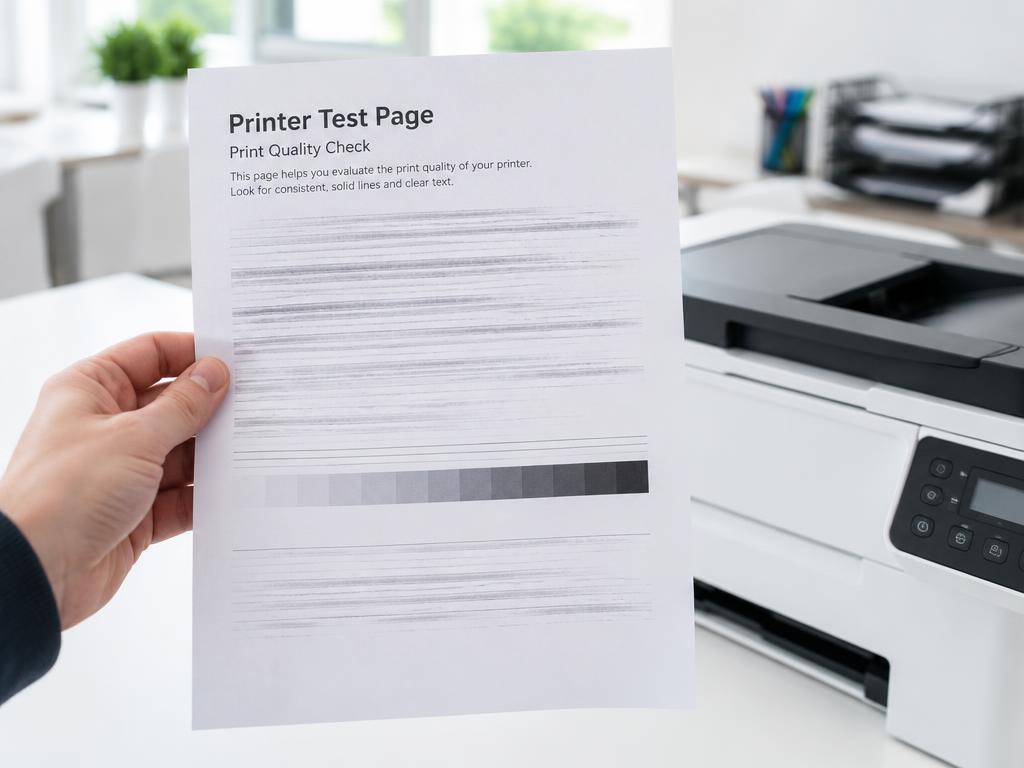
10 min readFix faded, streaky or smudged prints
Inkjets need head cleaning and alignment; lasers usually need a drum, fuser or paper change.
9 min readInstall or repair a printer driver cleanly
A half-removed old driver blocks the new one. Remove the package, not just the printer icon.
Video guides
Prefer to watch? Follow along on screen.
Still stuck? HUB AI walks you through it
Describe what your printer is doing and get a tailored fix in seconds — free, no sign-up.
Ask HUB AI